Computer to computer
No cloud in the middle. The recipient starts receiving the moment you share, and nothing sits on someone else's server.
Vastova moves files and whole folders of any size directly from your computer to theirs. No uploading first, no size limits, no accounts. Every piece is checked when it arrives, and transfers pick up where they left off.
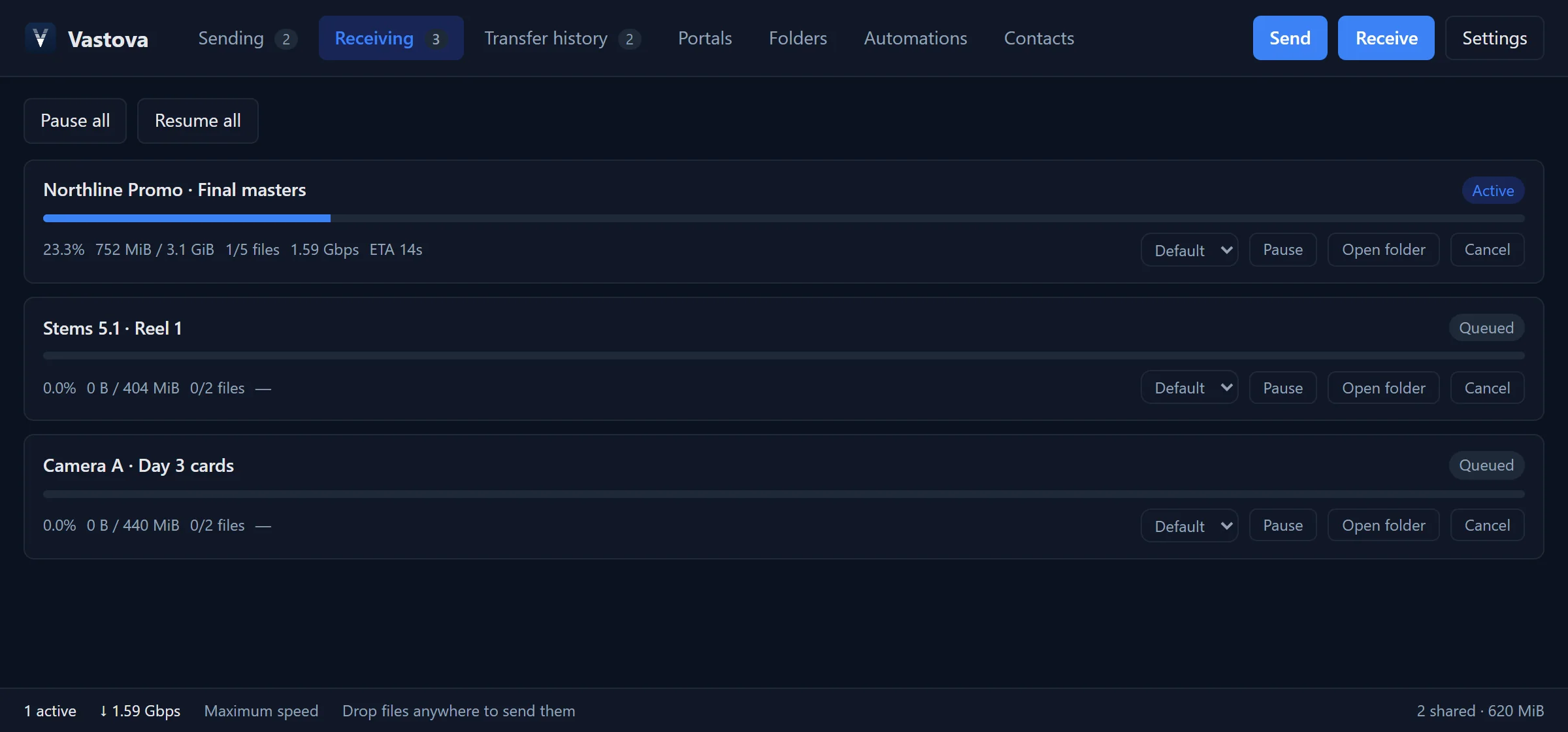
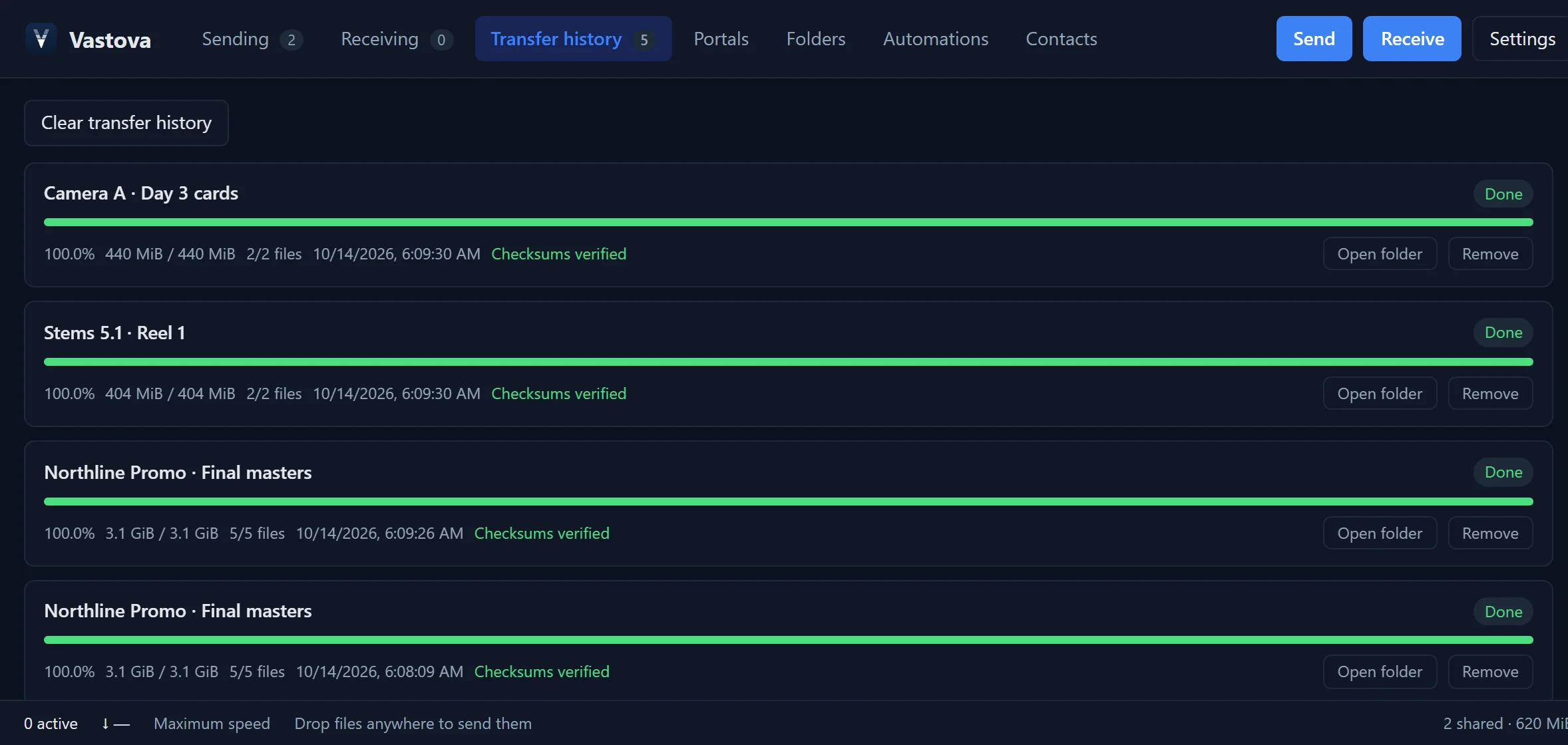
Every finished transfer is checked file by file, chunk by chunk.
Drag files or folders onto Vastova. Nothing gets uploaded to a server, so there's no waiting before you can share.
Send it by email, chat or text. Add a password if you like. Your computer stays the source.
In any browser, no install needed, or at full speed with Vastova. Files go straight from your computer to theirs.
Editors, studios, photographers, agencies, labs: anyone whose files are too big for email and too important for guesswork.
No cloud in the middle. The recipient starts receiving the moment you share, and nothing sits on someone else's server.
Many parallel connections, tuned for fast disks, and the option to use several network connections at once.
Recipients don't need the app: the link downloads right in their browser, or hands over to Vastova for full speed.
Give clients a link to send files to you, even from a browser, with size limits, file types and a password. Files land in your folder.
Deliver straight to people you work with. Their Vastova downloads automatically into the folder they chose.
Watch a folder: whatever lands in it is sent to a contact, a portal or a link once it's ready. Nothing is sent twice.
Express transfers follow files that are still being written, such as camera recordings or renders, and finish as they do.
Let your team browse, pull from and drop into a folder on your computer, each with exactly the access you give.
Prefer to go offline? Send through your own storage (Cloudflare R2, Backblaze B2, Wasabi, Amazon S3) as a link with a download page.
Most transfer services keep a copy of everything you send on their servers. Vastova doesn't have servers for your files: they travel directly between the two computers, encrypted the whole way.
#, which browsers never send to this website.For Windows, macOS and Linux. It keeps itself up to date.
The first time you open it, Windows may say "Windows protected your PC": choose More info → Run anyway. On a Mac, right-click Vastova in Applications and choose Open. All downloads and checksums
 Vastova
Reaching the sender's computer securely. This usually takes a few seconds.
The sender protected these files. Enter the password they gave you.
Vastova is free. It downloads in parallel at full speed, keeps folders, and resumes if the connection drops. We copied this link for you: Vastova opens it as soon as it is installed.
Download VastovaKeep this page open until the download finishes. The sender's computer must stay online.
Keep this page open until the files are delivered. They go straight to the owner's computer.